
Website Content Placements
Promote your member content with an uploaded image, short clip, content link, and admin-reviewed placement.
Introducing O F Collab Promotions
Put your next eligible member spotlight on @onlyfans_collab. One spotlight $5 · Three spotlights $12 · Spotlight + 24-hour pin $10 · Spotlight + 72-hour pin $17.
Choose a post from your X profile or ask our team to suggest one. Eligibility review before payment; pin dates are confirmed separately. Placement is guaranteed once agreed, audience results are not.
Explore packages and request reviewWebsite placement · separate from X spotlights
Let creators promote content with a picture, short ad card, preview clip, and direct content link.
Payment flow:
Website placement payments go to $ofcollabnetwork on Cash App and are verified by admin. These placements appear on this website; X spotlights and pin upgrades are ordered separately above.
Website placement payments go to $ofcollabnetwork on Cash App and are verified by admin. These placements appear on this website; X spotlights and pin upgrades are ordered separately above.
Clip rule:
The ad supports a single promo clip URL and is intended for clips up to 45 seconds. The page asks users to confirm that limit before submitting.
The ad supports a single promo clip URL and is intended for clips up to 45 seconds. The page asks users to confirm that limit before submitting.
Payment Note
Ad name + ID
Clip Format
Video URL
Approval Path
Admin Reviewed
How It Works
1. Submit your promo.
Add the ad name, sale offer, clip URL, and link to your content.
Add the ad name, sale offer, clip URL, and link to your content.
2. Use the generated identifier.
Every promo gets an ad identifier. That ID is copied into the payment note guidance so admin can match payments faster.
Every promo gets an ad identifier. That ID is copied into the payment note guidance so admin can match payments faster.
3. Pay and notify admin.
Open Cash App to $ofcollabnetwork, include the payment note, then click the notify button.
Open Cash App to $ofcollabnetwork, include the payment note, then click the notify button.
4. Go live after review.
Admin verifies payment, approves the promo, and the ad appears in the active promo feed below.
Admin verifies payment, approves the promo, and the ad appears in the active promo feed below.
5. Update while live.
Once a promo is approved, you can update the ad without going back through approval. Admin still has the right to remove a promo at any time for policy reasons or platform judgment.
Once a promo is approved, you can update the ad without going back through approval. Admin still has the right to remove a promo at any time for policy reasons or platform judgment.
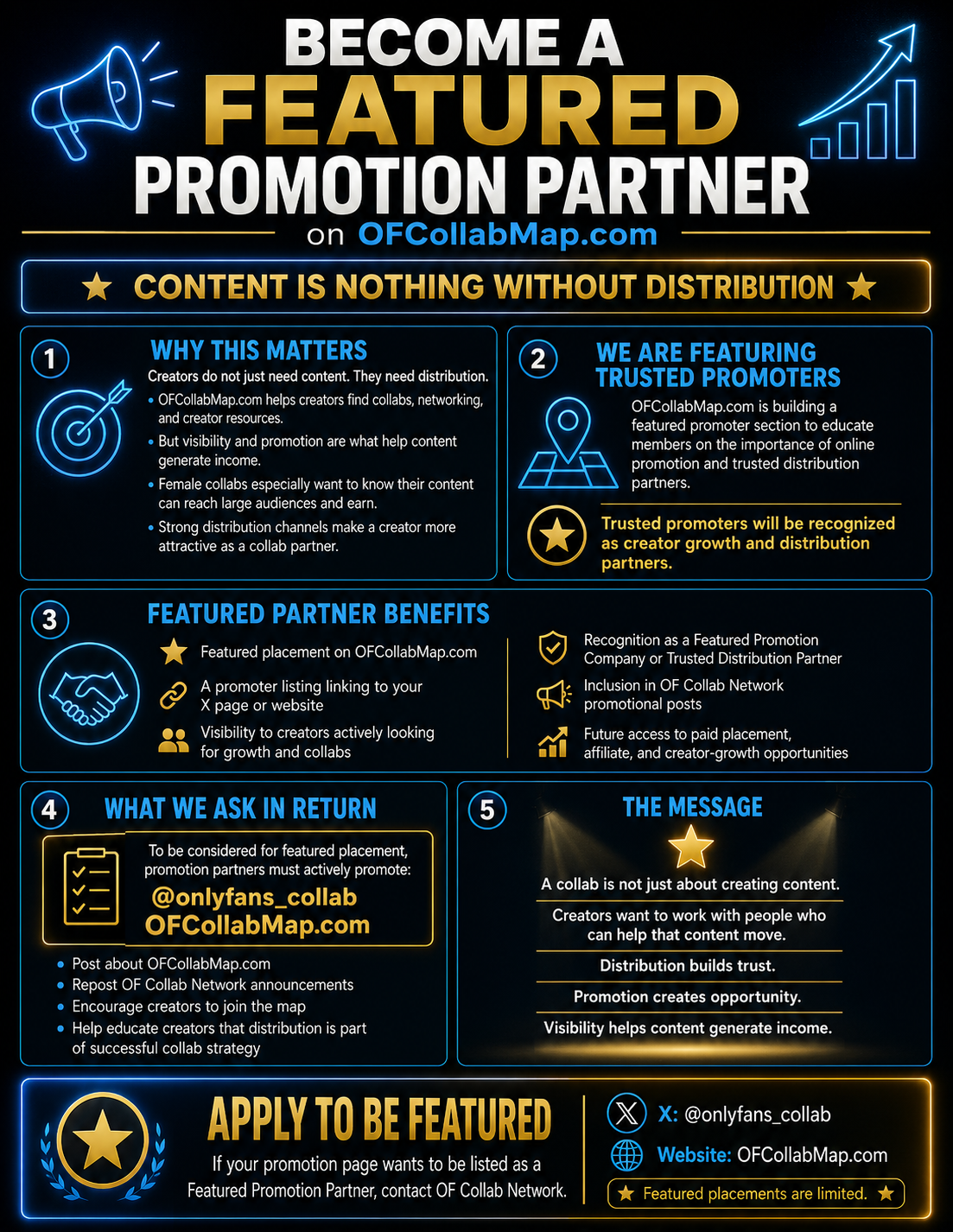
Featured Promotion Partner
Apply to be featured as a trusted creator-growth promoter.
OFCollabMap is building a featured promoter area for X promoters and distribution partners who help adult creators get real visibility. Applications go directly into the admin review queue.
Promoter Application
Apply for Featured Promotion Partner review
Submit your promoter page for admin review. Approved promoters can be turned into a free featured placement or paid exclusive promoter listing from the admin panel.
Submit / Update Promo
My Promo Ads
Loading your promos...